 Live
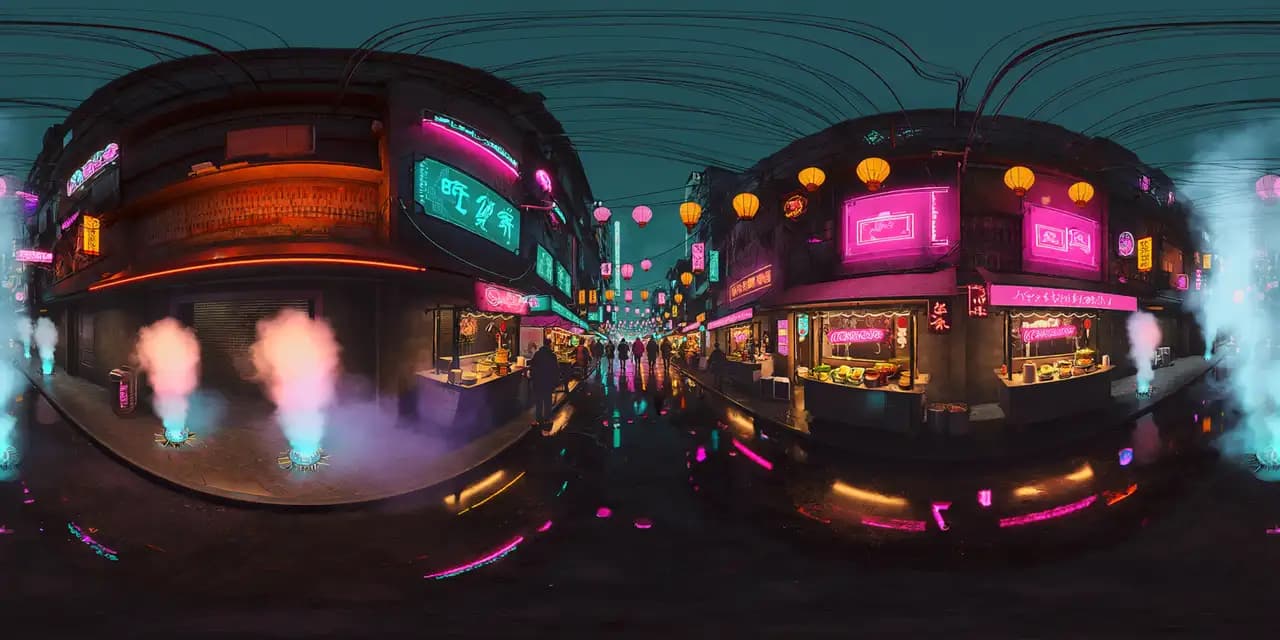
Liveworld-nightmarket
Night Market
Rainy cyberpunk market alley with neon signs, food stalls, lanterns, wet reflections, cables, and light fog.
Follow the lantern-lit market lane
Explore this worldIntelliverse Worlds · Live
Intelliverse Worlds combines environment generation, narrative, guided checkpoints, and interaction design for learning, training, and brand experiences. Five worlds are live now — open one in your browser, no install.
Live collection · 5 worlds
Every card opens the live browser viewer. Worlds stream progressively on desktop and mobile — no install or account required.
Liveworld-nightmarket
Rainy cyberpunk market alley with neon signs, food stalls, lanterns, wet reflections, cables, and light fog.
Follow the lantern-lit market lane
Explore this world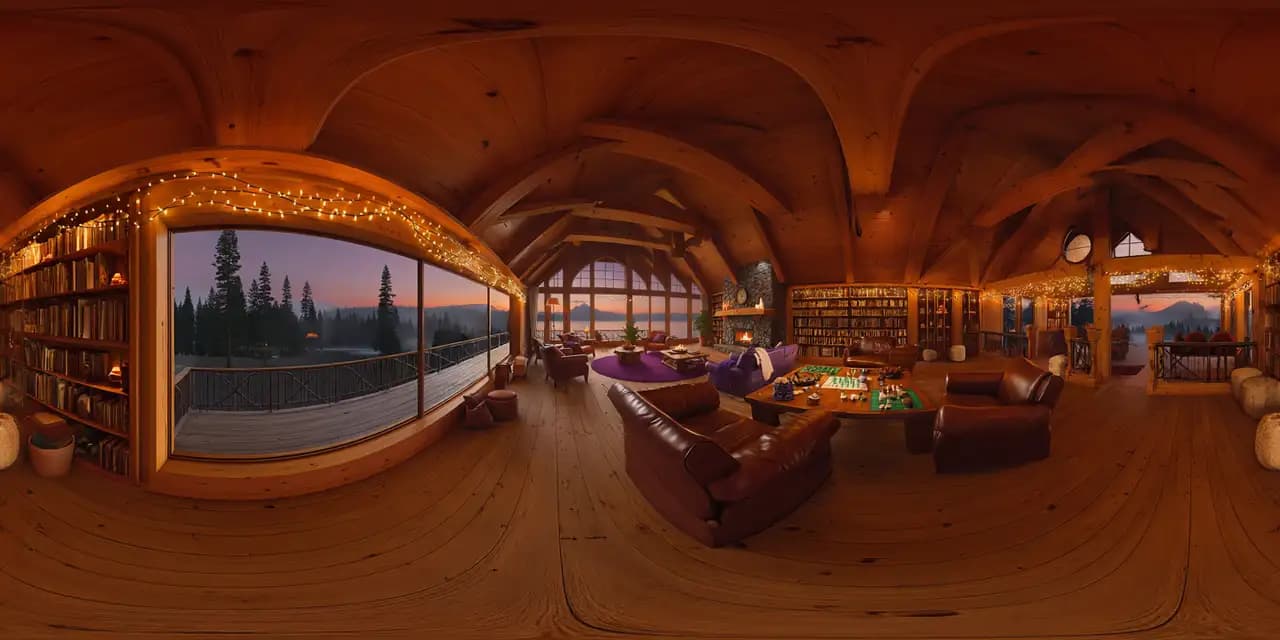 Live
Liveworld-lodge
Warm alpine lakeside lodge with a stone fireplace, timber beams, bookshelves, games, and a sunset lake view.
Cross the warm lodge
Explore this world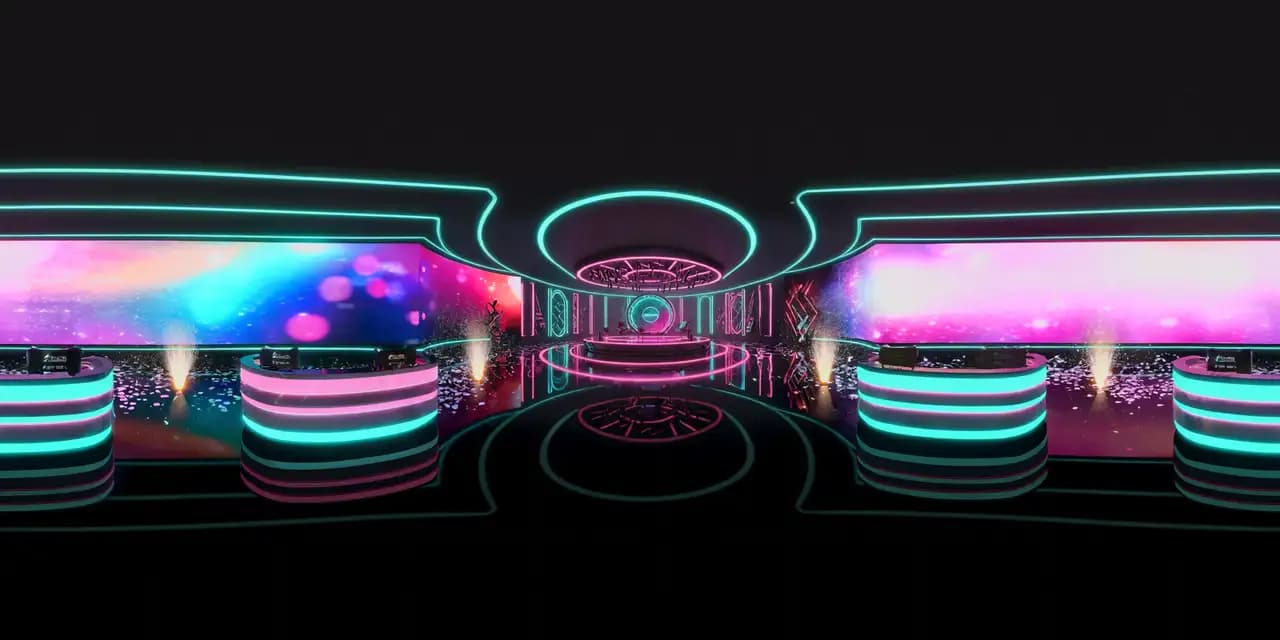 Live
Liveworld-gameshow
Futuristic television studio with a circular stage, podiums, LED wall, neon rim light, haze, and confetti cannons.
Step onto the game-show floor
Explore this world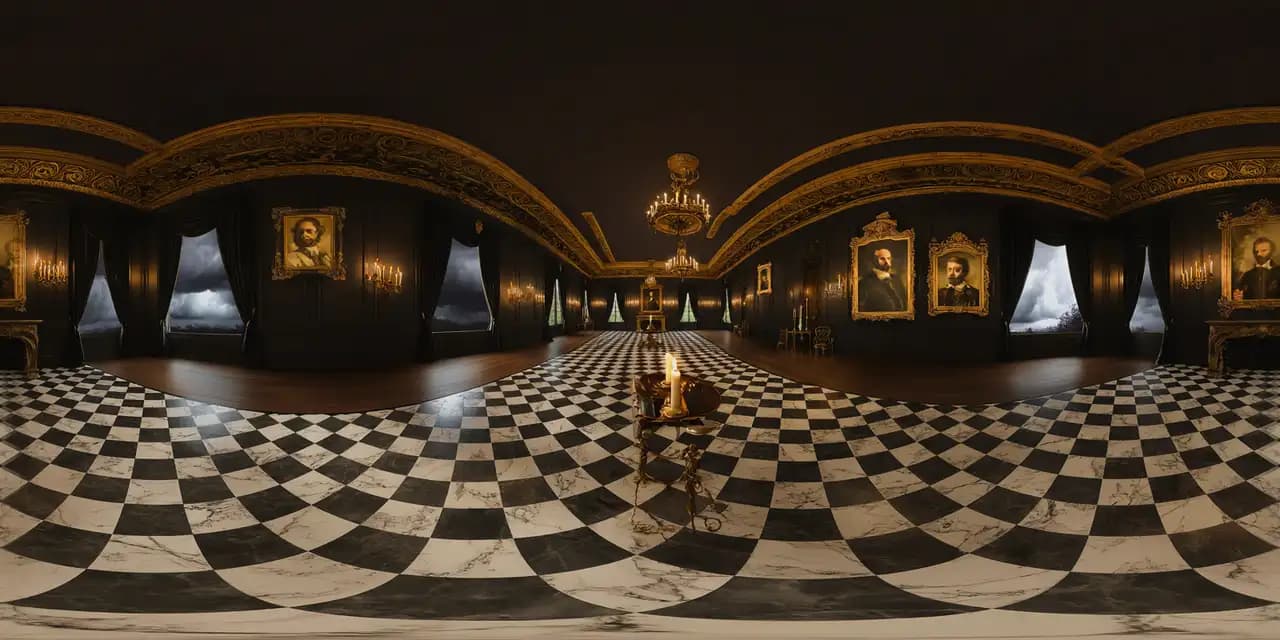 Live
Liveworld-manor
Grand haunted Victorian hall with dark wood, portraits, chandelier, marble floor, storm windows, and candlelight.
Explore the manor hall
Explore this world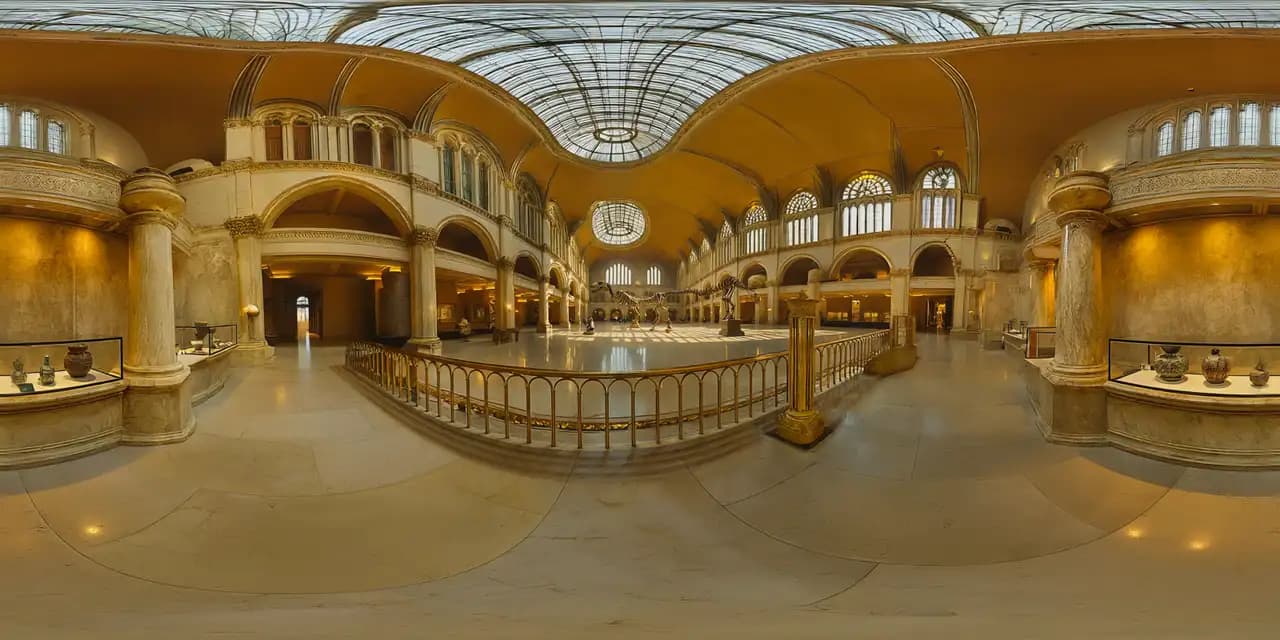 Live
Liveworld-museum
Natural-history great hall with glass vaults, marble columns, a central dinosaur skeleton, cases, brass, and warm daylight.
Enter the museum gallery
Explore this worldStudio pipeline
Stage 1
Define the topic, audience, source material, territories, and the learning, training, or brand outcome.
Stage 2
Develop the environment, narrative, guided checkpoints, and interactions as one coherent experience.
Stage 3
Every World faces an independent visual and experience quality gate before it goes live alongside the collection.
Turn approved curriculum or a question bank into a guided, explorable lesson.
Build scenario-led onboarding and product education with clear checkpoints.
Translate cleared campaign material into a controlled interactive environment.
Tell the Studio what you want to create, who it is for, and where it would be used. Your World runs the same generation pipeline and quality gate as the live collection.
Discuss your World